 A Letter Worth Reading
Measure · 4 min read
Reading your numbers
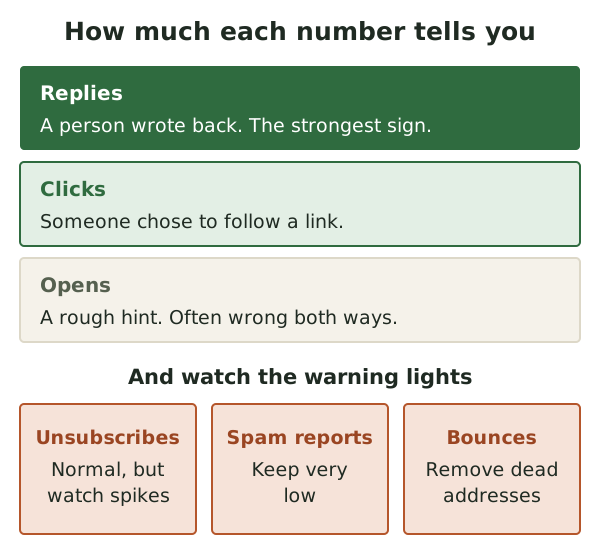
Open rates look precise but often mislead. Clicks, replies and a few warning lights tell you far more about whether your letter is worth reading.
Not every number your email tool shows you deserves your attention.
The short version
- An "open" only means a tiny image loaded. It is a rough hint, not a fact.
- Clicks and replies show real interest. Watch them closely.
- Unsubscribes, spam reports and bounces are warning lights.
- Compare each issue with your own past issues, not with other people's.
Numbers are a conversation
Your email tool will show you a page of numbers after each issue. It is tempting to treat them as a school report. We'd rather you treat them as a conversation.
Each number is a small reply from your readers. Some replies are clear. Some are mumbled. The trick is knowing which is which.
What an "open" really is
Here is how most tools count an open. The email carries a tiny, invisible image, often a single dot.[1] When someone opens the email, their mail app loads that image.[1] The tool sees the image load and records an "open".
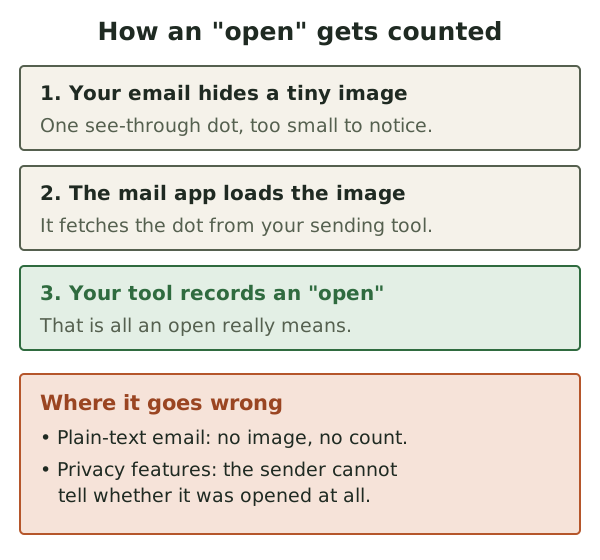
This only works for designed emails, not plain-text ones.[1] So a plain-text letter can be read and never counted.
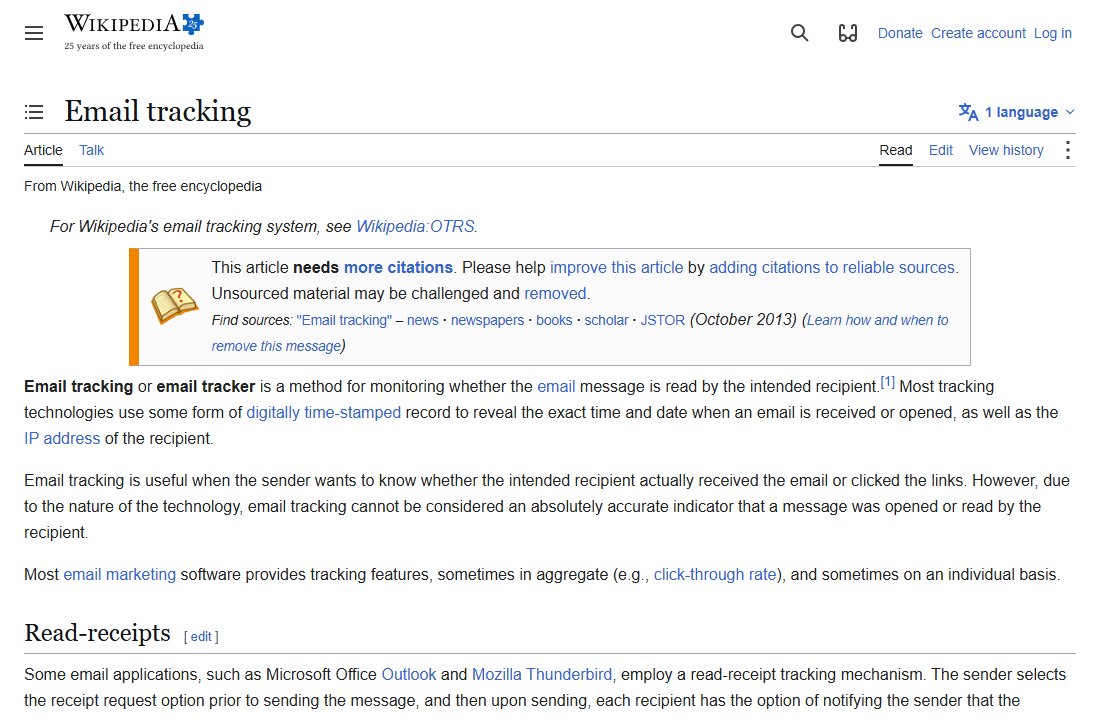
Even Wikipedia's summary is blunt about it. Email tracking can't be taken as a fully accurate sign that a message was opened or read.[1]
Privacy features blur the picture
Mail apps now protect readers from this kind of tracking. Apple's Mail Privacy Protection is one example. It stops senders seeing whether a message was opened.[2]
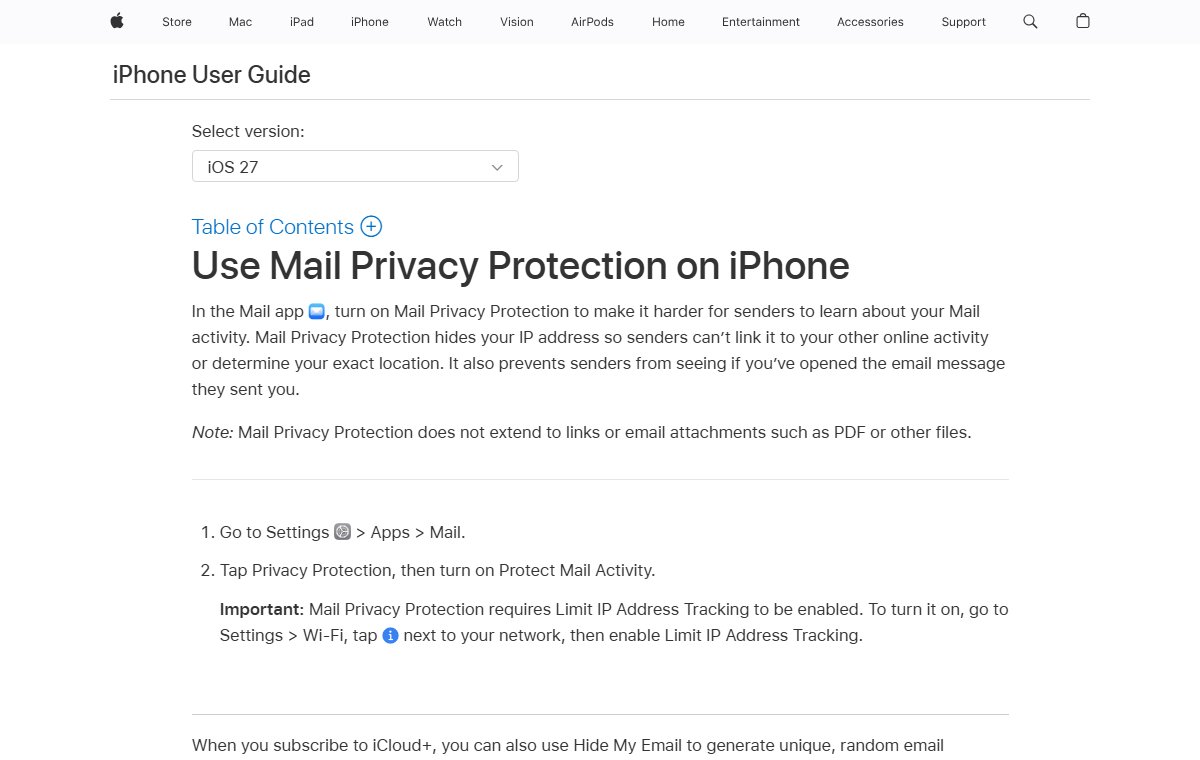
So if many of your readers use it, your open rate stops meaning much. It may look high or low for reasons that have nothing to do with your letter.
That is why we treat opens as a rough trend at best. If opens fall sharply across several issues, look into it. Don't celebrate or panic over one issue.
Clicks show real interest
A click-through rate is the share of readers who click at least one link in your email.[3] For example, if 40 of 400 readers click a link, the rate is 10%.[3]
Clicks are more solid than opens. Apple's privacy feature does not cover links.[2] And a click is a choice. Someone read enough to want more.
Look at which links get clicked, not just how many. If the recipe gets clicked and the sale doesn't, that tells you what readers came for.
Replies are the best sign
No tool scores this well, but we think replies matter most. A reply means a real person cared enough to write back.
You can invite them. End an issue with a simple question. "What is growing on your balcony?" is easy to answer. Then answer each reply yourself.
Replies also give you ideas. A good question from one reader is often next month's main piece.
Warning lights: unsubscribes
Some unsubscribes after each issue are normal. People's lives change. Gmail even says letting people opt out can improve your open and click rates.[4]
What to watch is a sudden jump. If one issue loses far more readers than usual, ask why. Was it off topic? Too salesy? Sent at an odd time?
Warning lights: spam reports
A spam report is when a reader marks your email as spam. This is far worse than an unsubscribe.
Gmail asks senders to keep spam reports below 0.10%, and never to reach 0.30%.[4] That first figure is one report for every 1,000 emails.[4] Gmail reports this rate in its own tool, called Postmaster Tools.[4]
Warning lights: bounces
A bounce is an email that couldn't be delivered.
- A hard bounce is permanent.[5] The address is likely gone for good.[5]
- A soft bounce is temporary.[5] A full inbox is one cause.
Yahoo asks senders to watch both kinds, and to remove dead addresses promptly.[6]
Quiet readers
Some people stay subscribed but never seem to read. Gmail suggests checking now and then that people want to stay on your list.[4] It also suggests removing people who don't open or read.[4] Yahoo says something similar.[6]
Because opens are unreliable, be gentle here. Send a short "Do you still want this?" note first. Remove only those who stay silent for a long time.
Compare with yourself
It is easy to find "average" open rates online. We don't find them useful. Lists differ too much in size, topic and tools.
Instead, compare each issue with your own last few. Did clicks rise when you tried a new shape? Did replies grow when you asked a question? That is the conversation we mean.
What to do next
After your next issue, write down four numbers: clicks, replies, unsubscribes and spam reports. Do the same for the next three issues. Then look for a pattern, and change one thing at a time.
If the numbers say your letter has lost its way, go back to the start: What is your newsletter for?
Sources
- Email tracking, Wikipedia (accessed 2026-10-18)
- Use Mail Privacy Protection on iPhone, Apple (accessed 2026-10-18)
- Click-through rate, Wikipedia (accessed 2026-10-18)
- Email sender guidelines, Google (Gmail Help) (accessed 2026-10-18)
- Bounce message, Wikipedia (accessed 2026-10-18)
- Sender Best Practices, Yahoo (accessed 2026-10-18)